This page explains how to show or hide row numbers and column headers.
How to Toggle Row Number and Column Label Visibility
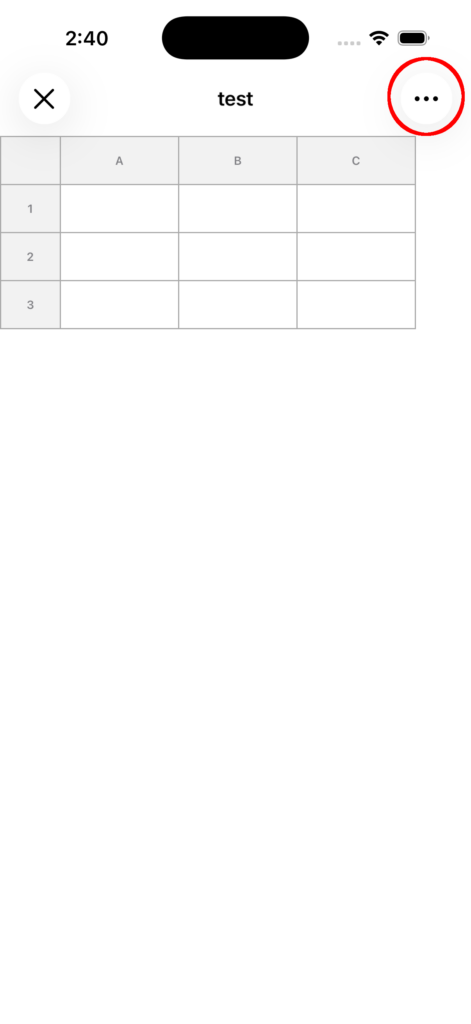
1. Open the top-right menu
Tap the menu (…) in the top-right corner of the sheet screen.
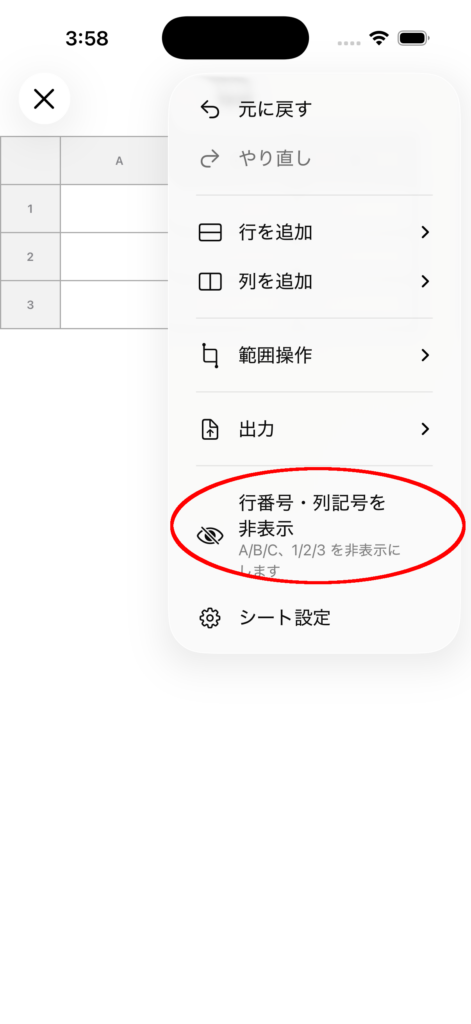
2. Select the header visibility option
Tap Show Headers or Hide Headers in the menu.
3. Check the display state
- ON: Row numbers and column labels (A, B, C…) are displayed.
- OFF: Only the data area is displayed.
Notes
- Even if you hide the headers, the cell data will not be deleted.
- OFF is useful when you want more screen space, and ON is useful when you want to edit while checking row and column positions.
- If you want to undo the operation, you can use Undo.