This page explains the basic rules for entering formulas.
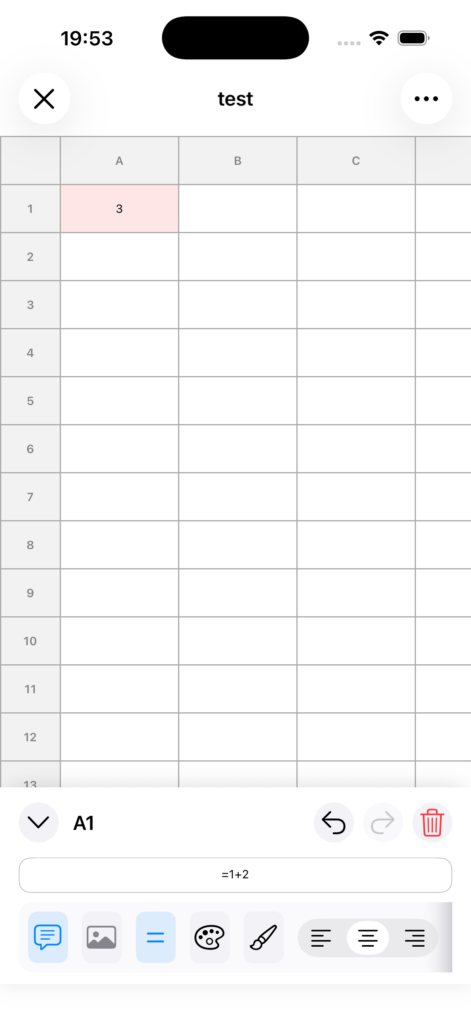
Start formulas with =
When entering a formula in a cell, begin with =.
Example: =1+2
Use cell references
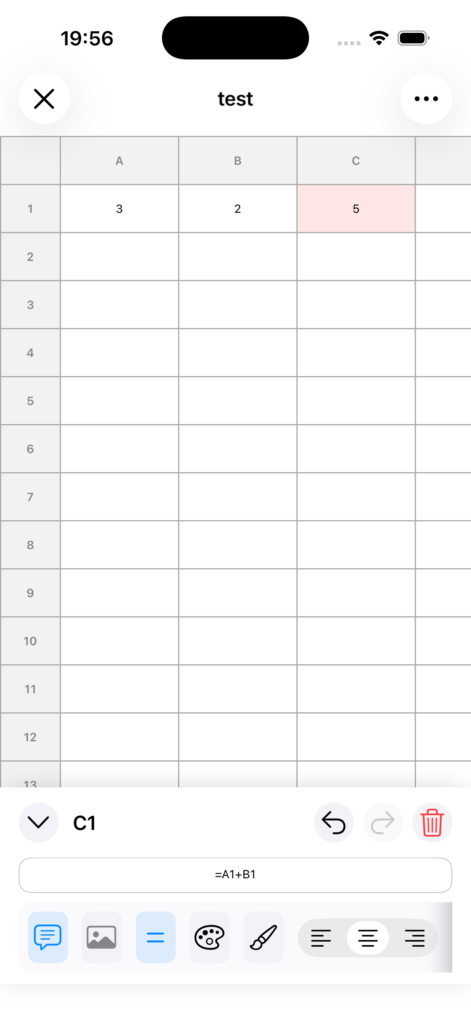
To use the value of another cell, refer to it by its cell name.
Example: =A1+B1
Use range references
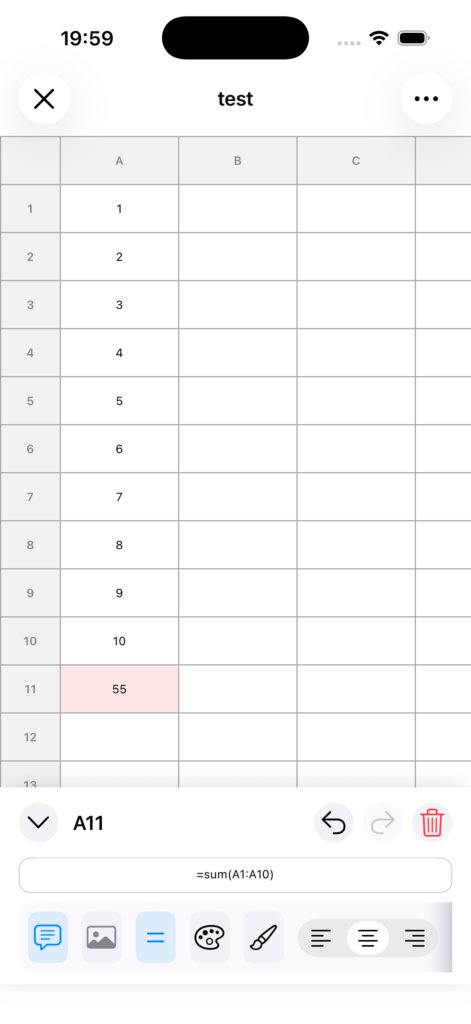
To specify multiple cells together, use :.
Example: =SUM(A1:A10)
You can use basic arithmetic operations
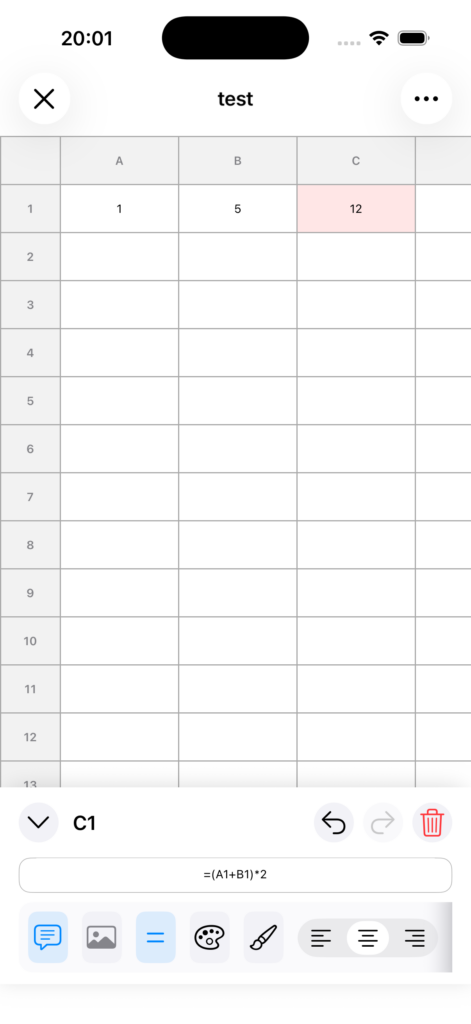
You can use +, -, *, and /.
Example: =(A1+B1)*2
Order of operations
Formulas are evaluated according to standard calculation rules.
• * and / are evaluated first
• + and – are evaluated after that
• You can use parentheses () to explicitly specify the order
補足
• While editing a formula, you can tap another cell to insert a cell reference (for example, A1).
• If there is a problem with the input, Error will be displayed.