This page explains the basics of cell references and range references used in formulas.
What Is a Cell Reference?
A cell reference is a way to specify a single cell and use its value.
Examples: A1, B3, C10
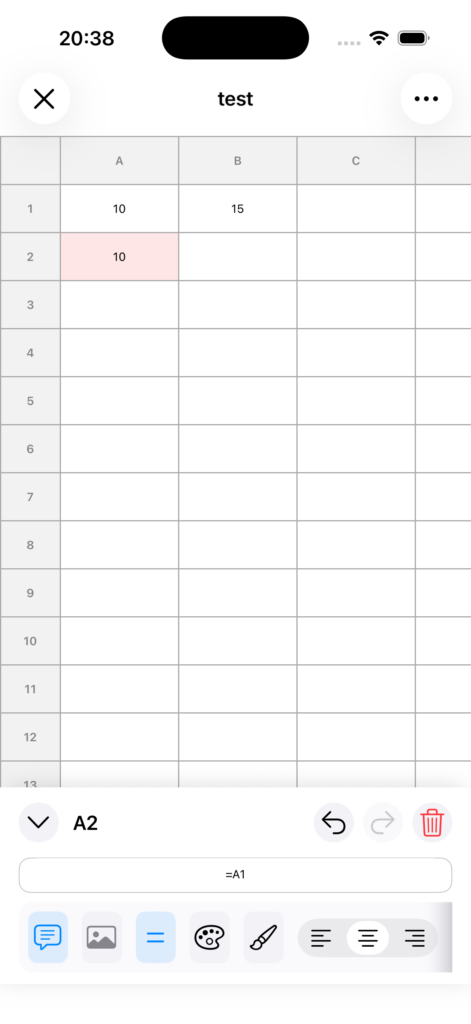
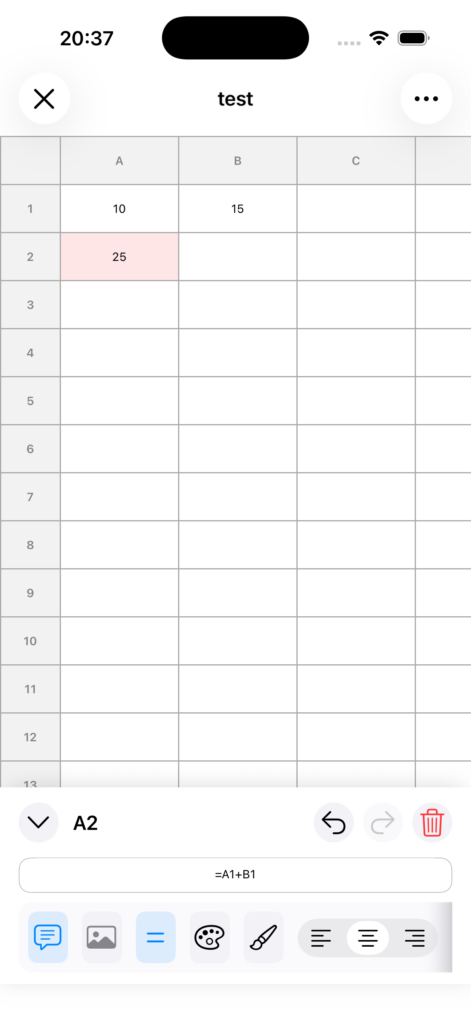
Example usage:
=A1+B1
This displays the sum of the values in A1 and B1.
What Is a Range Reference?
A range reference is a way to specify multiple cells together.
It is written in the format: start cell:end cell
Examples: A1:A10, B2:D5
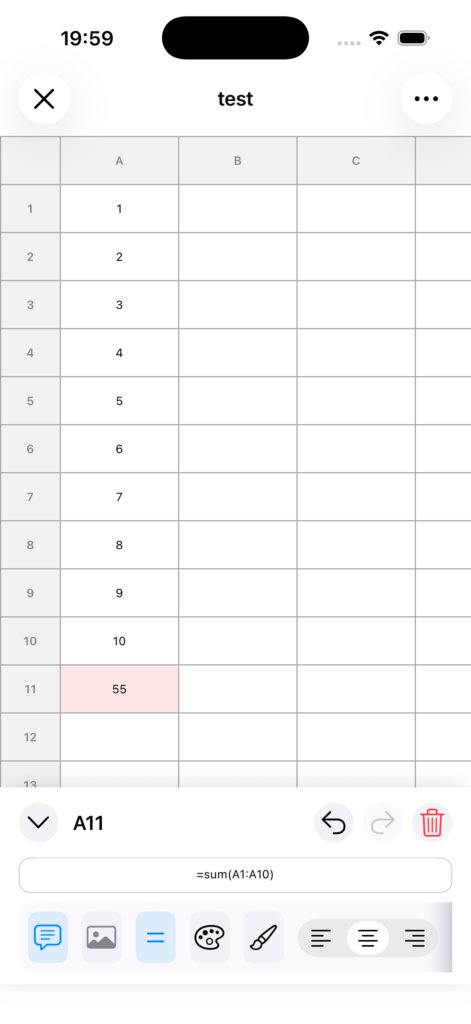
Example usage:
=SUM(A1:A10)
This displays the total of the values from A1 to A10.
Tips for Entering References
• Rows are numbers (1, 2, 3, …)
• Columns are letters (A, B, C, …)
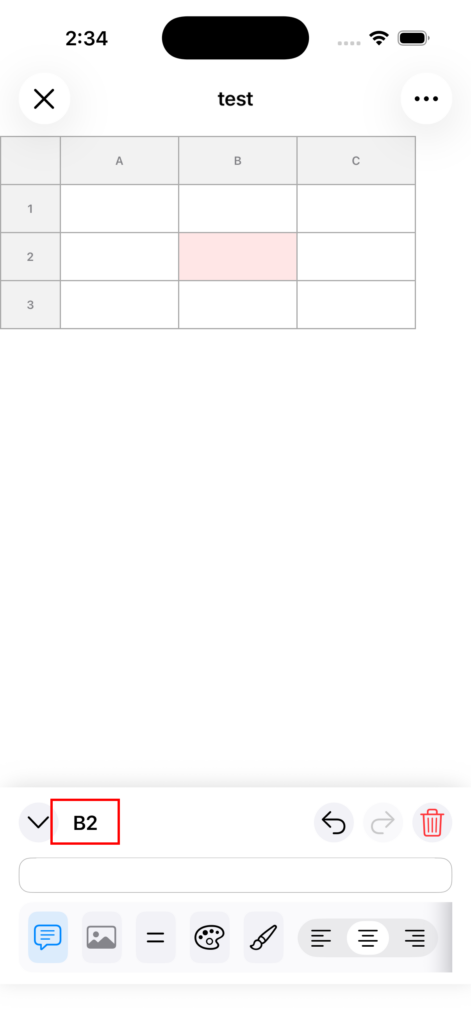
Useful Shortcut While Entering Formulas
While editing a formula, you can tap a cell to automatically insert its cell reference.
This is faster than typing manually and helps reduce input mistakes.
Notes
• Range references are mainly used inside functions such as SUM.
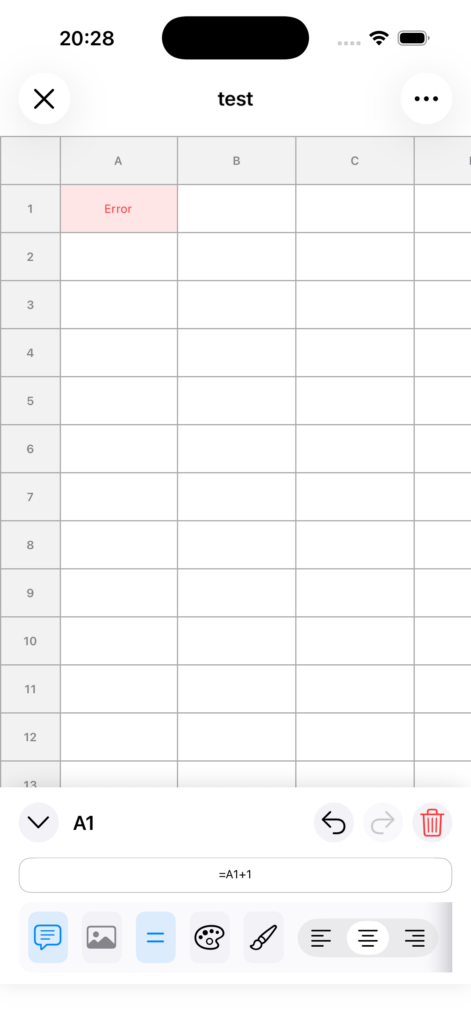
• If you enter an invalid reference, it may result in Error.