This page explains the functions available in sheets and their basic usage.
Available Functions
- SUM
- AVERAGE
- MIN
- MAX
- COUNT
- ROUND
How to Use Each Function
SUM
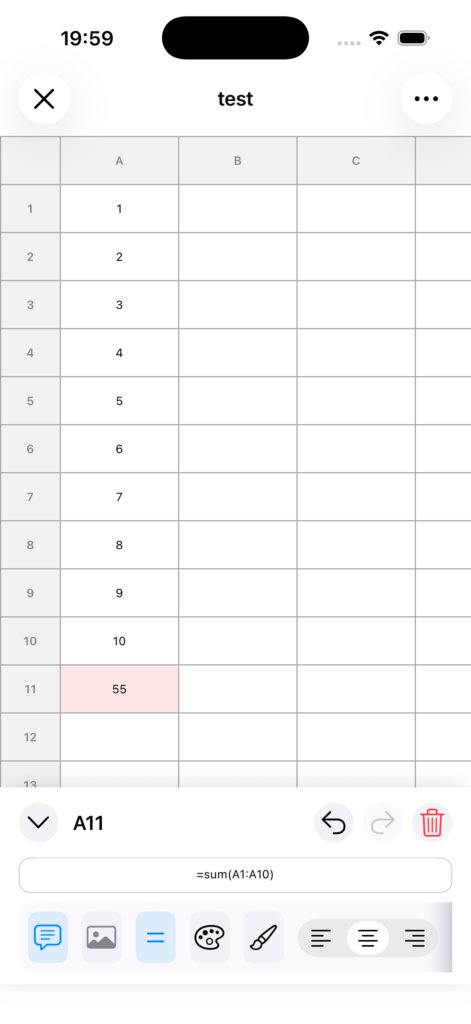
Returns the total of the specified values or range.
Example: =SUM(A1:A10)
AVERAGE
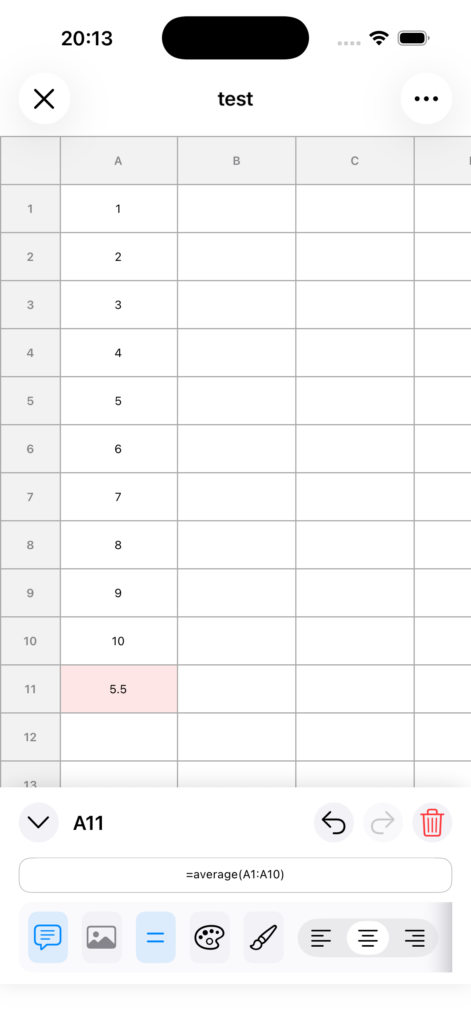
Returns the average of the specified values or range.
Example: =AVERAGE(A1:A10)
MIN
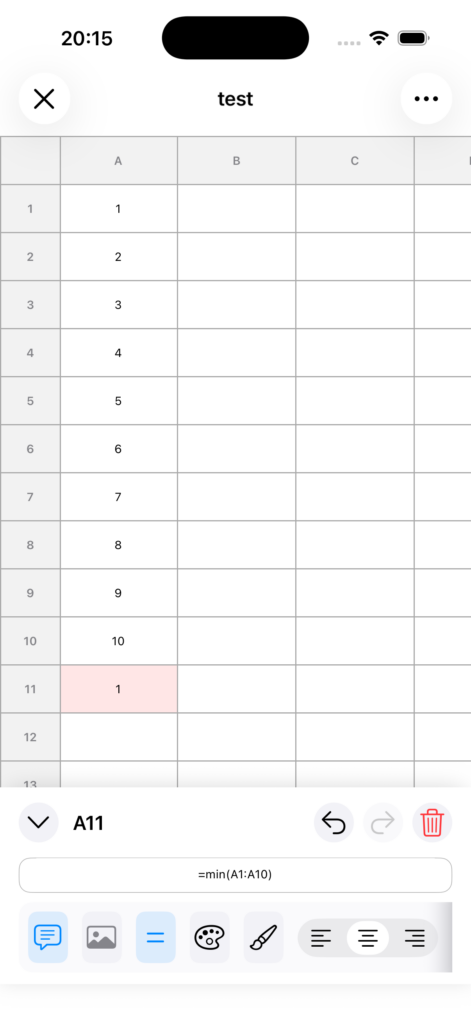
Returns the minimum value in the specified values or range.
Example: =MIN(A1:A10)
MAX
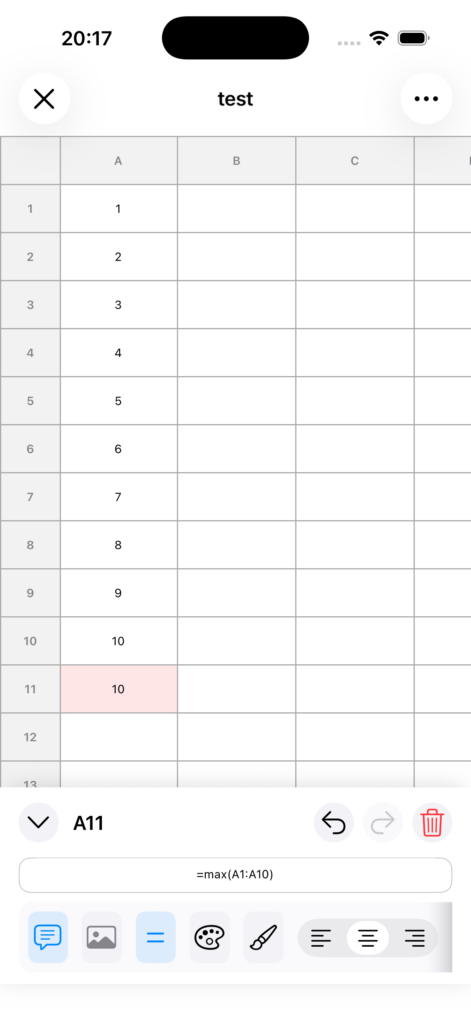
Returns the maximum value in the specified values or range.
Example: =MAX(A1:A10)
COUNT
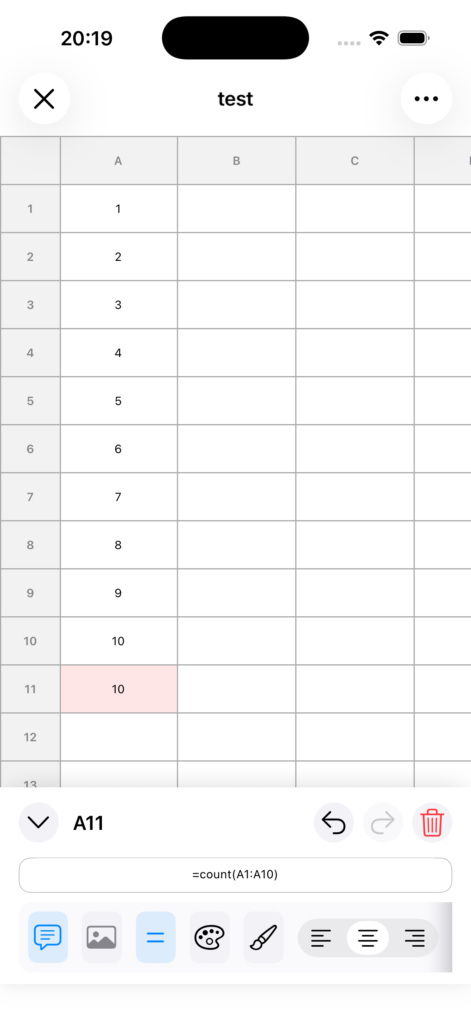
Returns the number of numeric values in the specified values or range.
Example: =COUNT(A1:A10)
ROUND
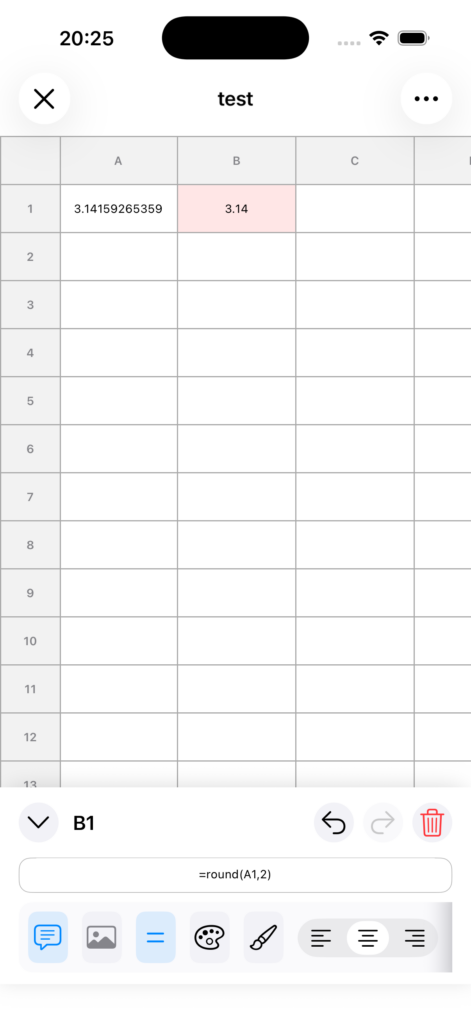
Rounds a value to the specified number of decimal places.
Example: =ROUND(A1,2)
Notes
• Functions must always begin with =.
• Use : to specify a range, such as A1:B10.
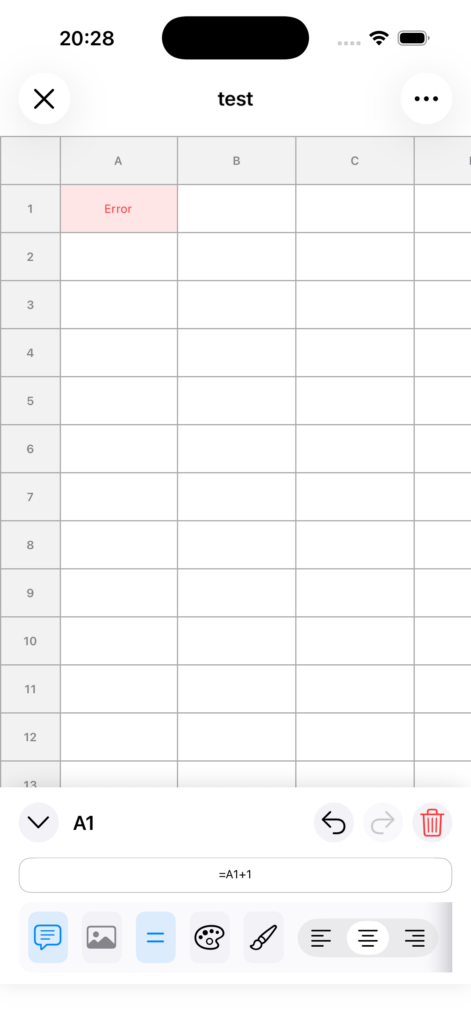
• If the input is invalid, the result will be displayed as Error.