This page explains how to add rows and columns to a sheet.
Add Rows
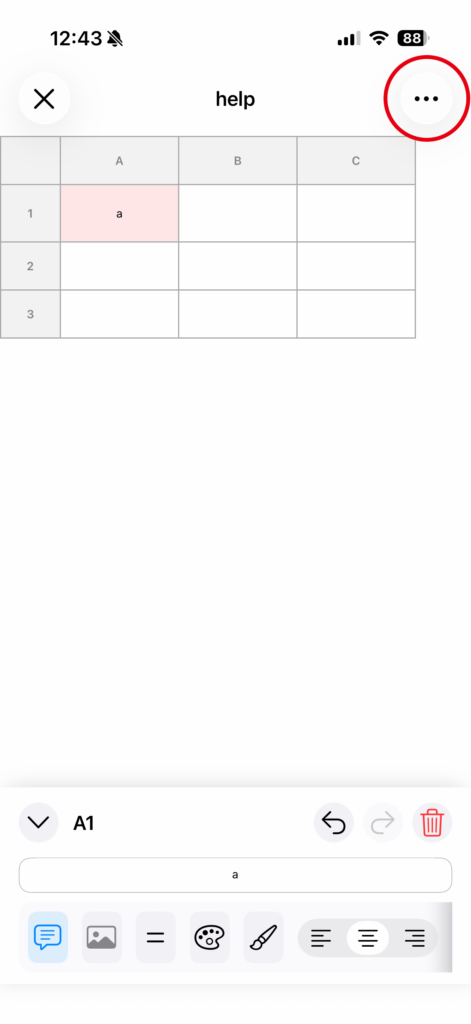
1. Open the menu in the top-right corner
Tap the menu button (...) in the upper-right corner of the sheet screen.
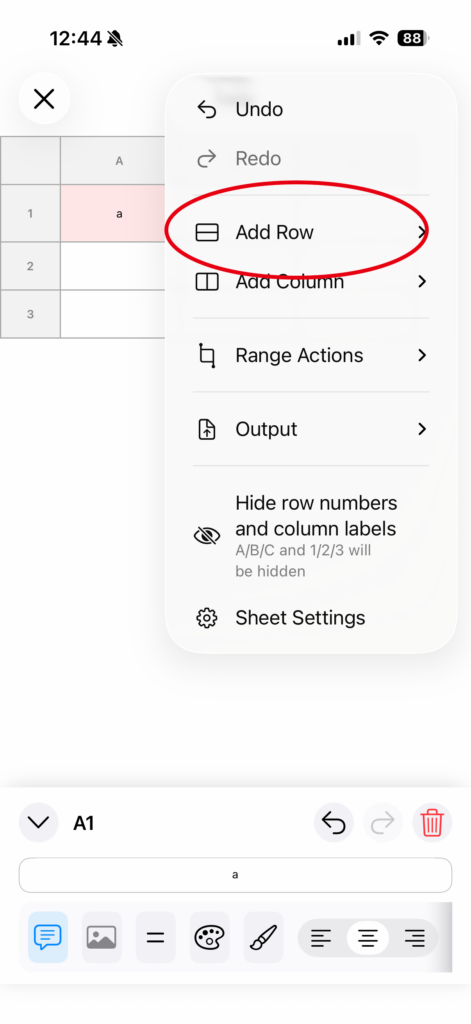
2. Select “Add Row”
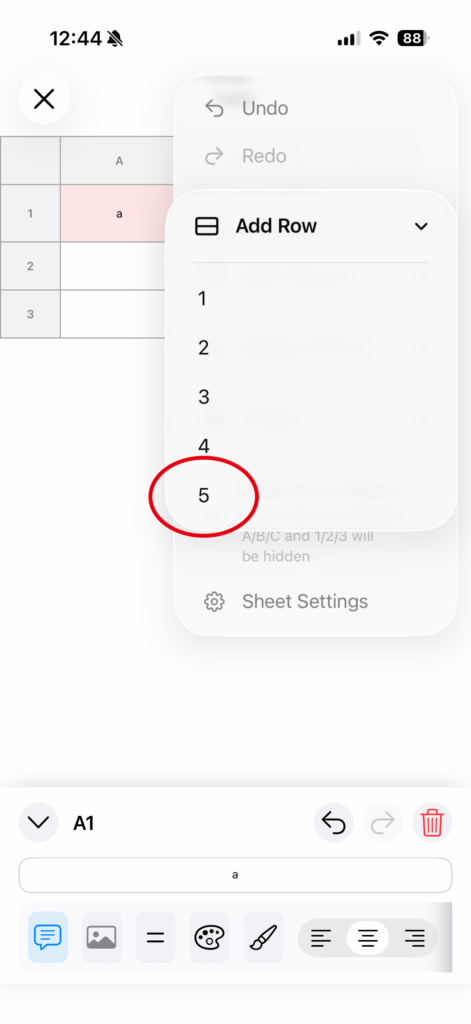
Choose Add Row, then select the number of rows to add (1 to 5).
3.Done
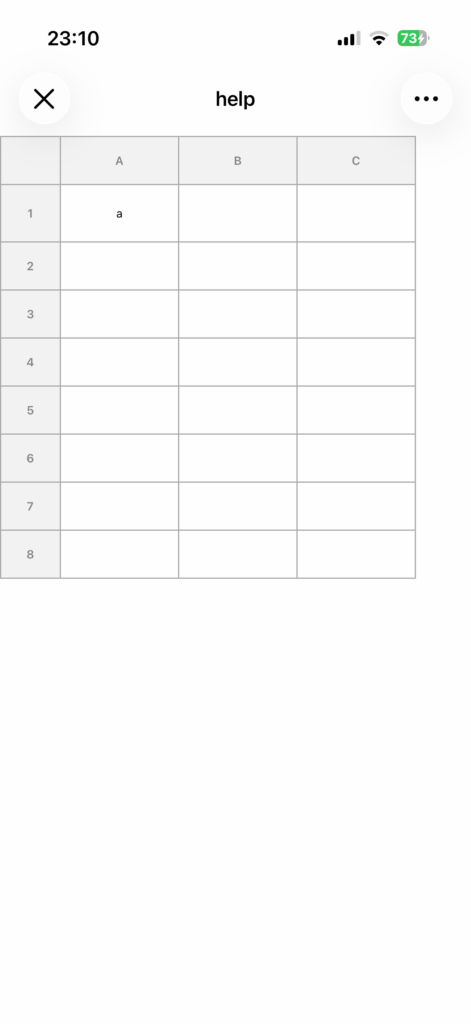
The selected number of rows will be added to the end of the sheet.
Add Columns
1. Open the menu in the top-right corner
Tap the menu button (...) in the upper-right corner of the sheet screen.
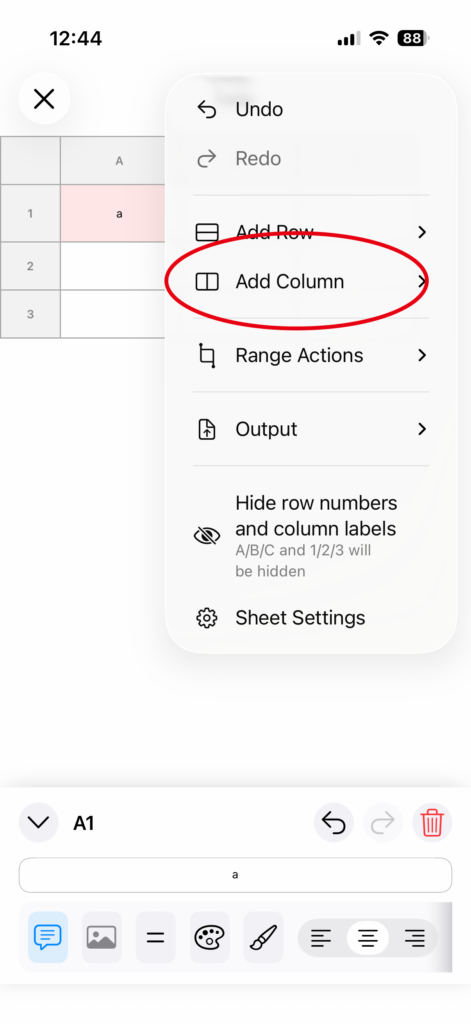
2. Select “Add Column”
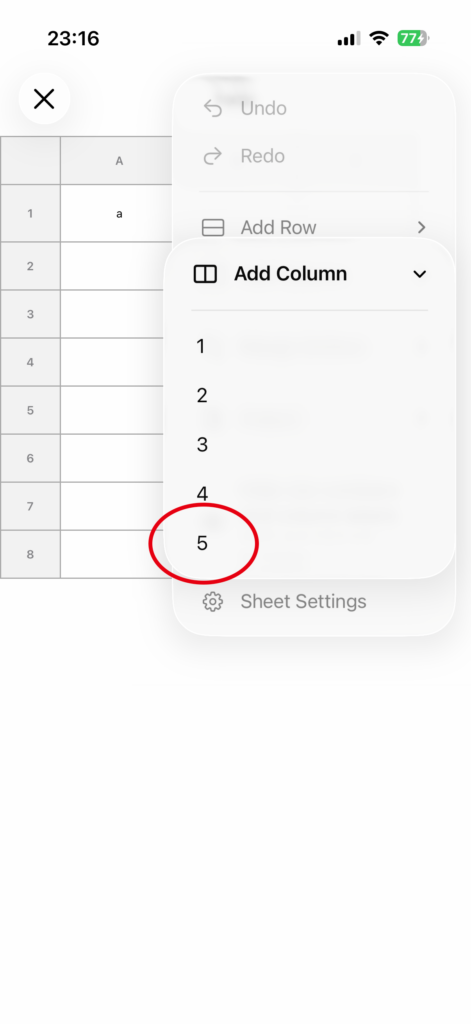
Choose Add Column, then select the number of columns to add (1 to 5).
3. Done
The selected number of columns will be added to the right side of the sheet.
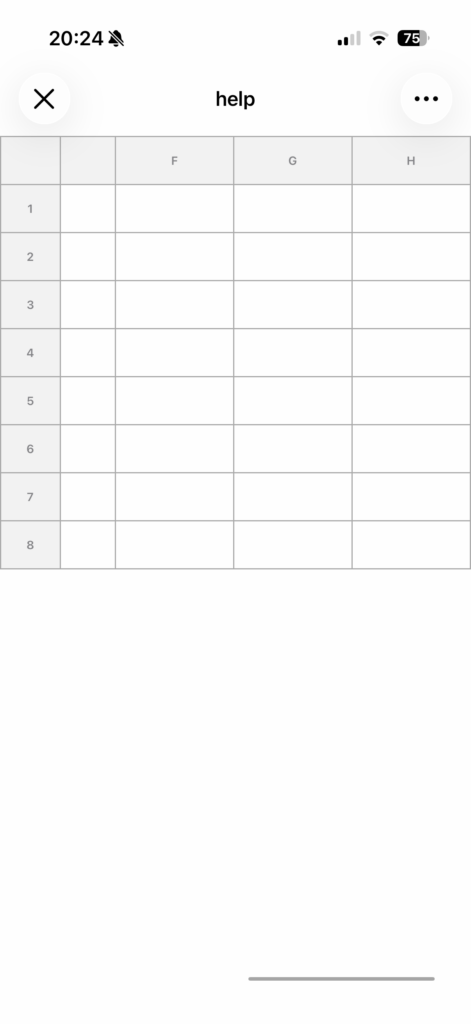
Insert at a Specific Position (Useful)
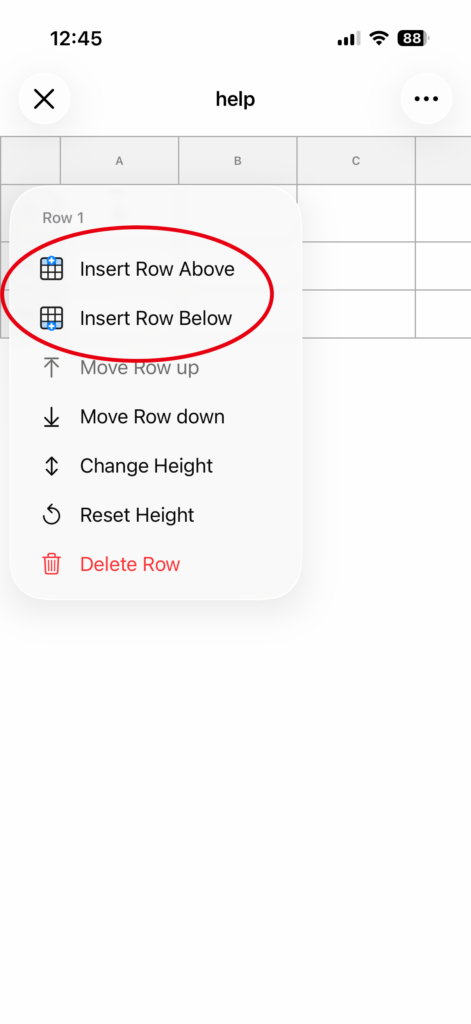
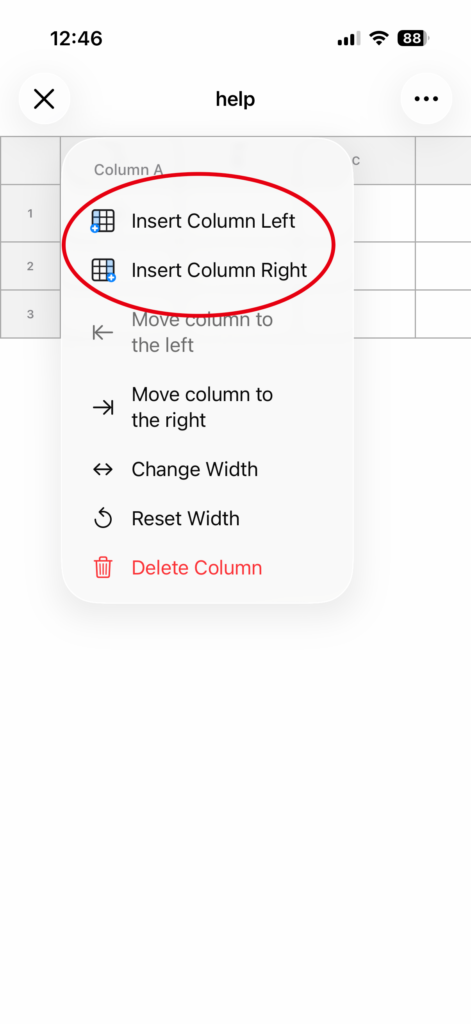
You can also press and hold a row number or column header to open the menu and insert at any position you want.
• Rows: Insert Above / Insert Below
• Columns: Insert Left / Insert Right
Notes (Free Version Limitation)
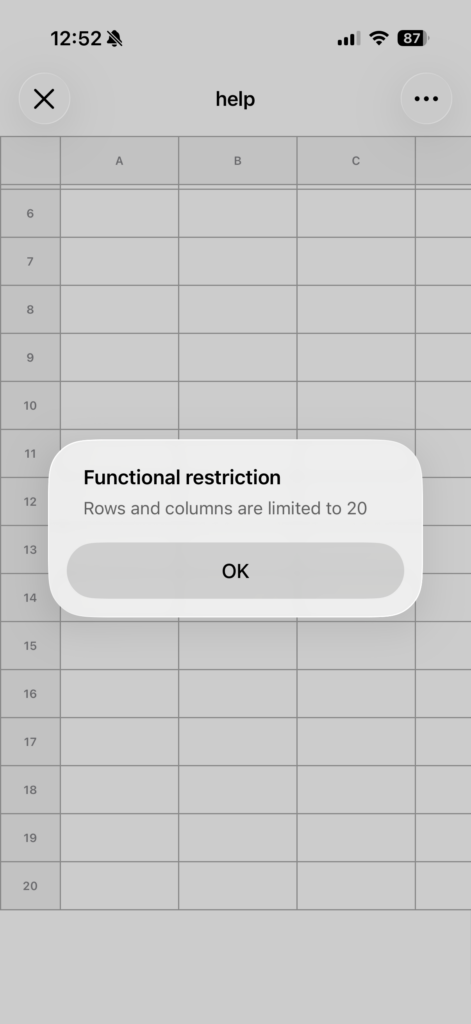
In the free version, there is a limit to the maximum number of rows and columns.
Once the limit is reached, you cannot add more, and a restriction message will be shown.